
Fix NVIDIA DKMS Build Failure After Ubuntu Kernel Upgrade on a Proxmox VM Using GPU Passthrough
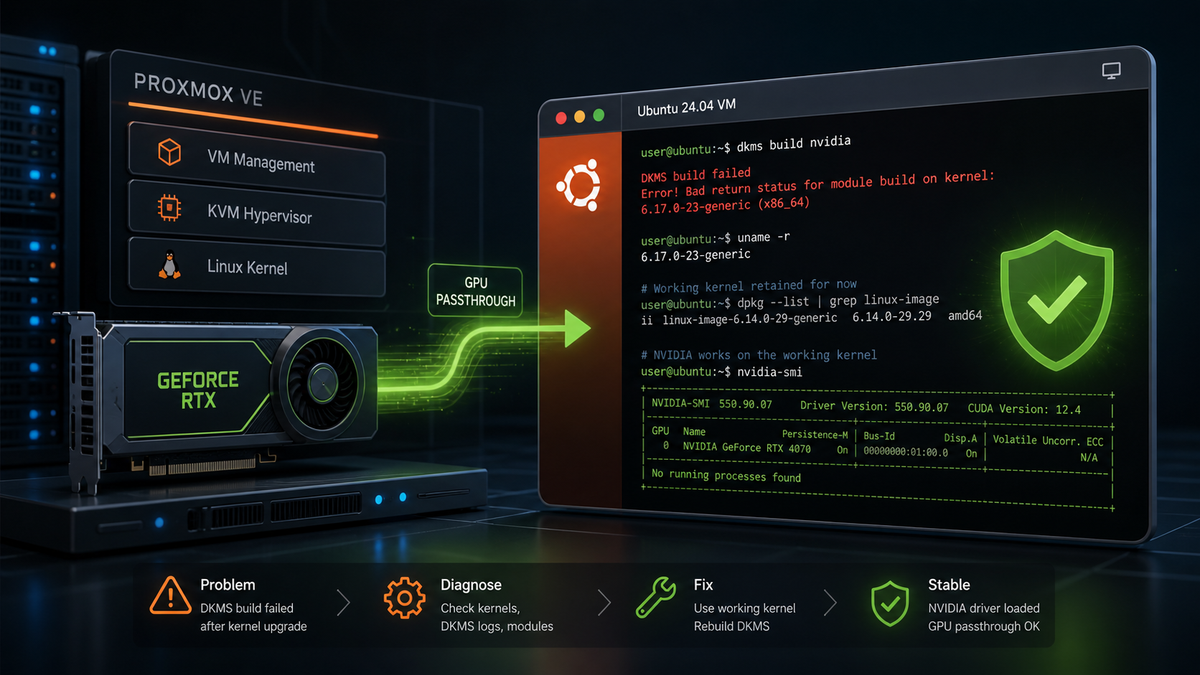
I ran into a kernel upgrade issue on an Ubuntu 24.04 VM running in Proxmox with NVIDIA GPU passthrough enabled. During apt upgrade, the system attempted to install a newer HWE kernel, but the NVIDIA DKMS module failed to build for that kernel.
Because this VM relies on GPU passthrough, I wanted to be careful not to break the existing working NVIDIA configuration.
This article documents the issue, the checks I performed, and the conservative fix I used to return the VM to a clean working state.
Who This Applies To
This guide is for an Ubuntu VM where a newer kernel failed to configure because NVIDIA DKMS could not build for that kernel, while an older kernel and NVIDIA driver are still working.
This is especially relevant for Proxmox VMs using NVIDIA GPU passthrough, where removing NVIDIA packages could break a working GPU setup.
Environment
- Ubuntu 24.04 VM
- Proxmox host
- NVIDIA GPU passthrough enabled
- Working kernel:
6.14.0-29-generic - Failed attempted kernel upgrade:
6.17.0-23-generic - NVIDIA driver/DKMS version:
575.57.08
Problem
At the end of apt upgrade, I saw errors similar to the following:
Autoinstall of module nvidia/575.57.08 for kernel 6.17.0-23-generic (x86_64)
Building module(s)...............(bad exit status: 2)

Error! Bad return status for module build on kernel: 6.17.0-23-generic (x86_64)
Consult /var/lib/dkms/nvidia/575.57.08/build/make.log for more information.

Autoinstall on 6.17.0-23-generic failed for module(s) nvidia(10).

run-parts: /etc/kernel/postinst.d/dkms exited with return code 1
dpkg: error processing package linux-image-6.17.0-23-generic (--configure):
 installed linux-image-6.17.0-23-generic package post-installation script subprocess returned error exit status 1
The key issue was that DKMS could not build the NVIDIA module for the newly installed 6.17.0-23-generic kernel.
Because the NVIDIA module build failed, the kernel package did not finish configuring successfully.
Important Note: Do Not Immediately Purge NVIDIA
In a normal VM with no GPU passthrough, removing the NVIDIA packages might be a reasonable fix.
In my case, this VM uses NVIDIA GPU passthrough, so purging NVIDIA would risk breaking the working GPU setup.
The goal was not to remove NVIDIA.
The goal was to remove the failed 6.17 kernel attempt while preserving the working 6.14 kernel and its installed NVIDIA DKMS module.
Initial Checks
First, I confirmed the currently running kernel:
uname -r
Result:
6.14.0-29-generic
Then I checked the package state:
sudo dpkg --audit
The result showed that some 6.17 kernel-related packages were unpacked or half-configured.
I also checked DKMS status:
dkms status
The important line was:
nvidia/575.57.08, 6.14.0-29-generic, x86_64: installed
That confirmed the NVIDIA module was installed for the working 6.14 kernel.
I also verified that the 6.14 kernel files were still present:
ls /boot | grep '6.14.0-29'
Expected output included:
config-6.14.0-29-generic
initrd.img-6.14.0-29-generic
System.map-6.14.0-29-generic
vmlinuz-6.14.0-29-generic
At this point, the existing working installation was still intact. The failed part was the attempted upgrade to the 6.17 kernel.
Take a Snapshot First
Before making changes, I created a Proxmox snapshot of the VM.
This is especially important when working on a VM with GPU passthrough, kernel packages, and NVIDIA DKMS modules.
Remove the Stale Crash File
The upgrade output also mentioned that a crash report already existed under /var/crash.
I removed that first:
sudo rm -f /var/crash/nvidia-dkms-575.0.crash
This was cleanup only. It did not resolve the DKMS build failure, but it removed a stale crash report that was adding noise to the upgrade output.
Purge the Failed 6.17 Kernel Image and Headers
Next, I removed the failed 6.17 kernel image and headers:
Note: Replace the kernel version in these commands with the failed kernel version shown on your own system. Do not blindly copy
6.17.0-23-genericunless that is the failed kernel version on your machine.
sudo apt purge linux-image-6.17.0-23-generic linux-headers-6.17.0-23-generic
During removal, I saw a warning like:
rmdir: failed to remove '/lib/modules/6.17.0-23-generic': Directory not empty
This was not fatal in my case. It meant that some files were still left in the module directory.
I confirmed the previous command completed successfully:
echo $?
Result:
0
Then I checked the package state again:
sudo dpkg --audit
At this stage, dpkg --audit returned nothing, which meant the package database was no longer in a broken state.
Check for Remaining 6.17 Packages
Even after removing the failed image and headers, there were still some remaining 6.17 support packages installed.
I checked with:
dpkg -l | grep '6.17.0-23'
The remaining packages included items like:
linux-hwe-6.17-headers-6.17.0-23
linux-hwe-6.17-tools-6.17.0-23
linux-modules-6.17.0-23-generic
linux-modules-extra-6.17.0-23-generic
linux-tools-6.17.0-23-generic
I removed those as well:
sudo apt purge \
  linux-hwe-6.17-headers-6.17.0-23 \
  linux-hwe-6.17-tools-6.17.0-23 \
  linux-modules-6.17.0-23-generic \
  linux-modules-extra-6.17.0-23-generic \
  linux-tools-6.17.0-23-generic
Again, I saw a warning about /lib/modules/6.17.0-23-generic not being empty.
I checked again:
echo $?
dpkg -l | grep '6.17.0-23'
sudo dpkg --audit
The command returned 0, no 6.17.0-23 packages remained, and dpkg --audit returned nothing.
Remove the Leftover 6.17 Module Directory
Since no 6.17.0-23 packages remained installed, it was safe to remove the leftover module directory manually.
NOTE: Only remove
/lib/modules/6.17.0-23-genericmanually after confirming that no packages for that kernel remain installed. Removing a module directory for an actively installed or booted kernel can break that kernel.
sudo rm -rf /lib/modules/6.17.0-23-generic
Do not do this while packages for that kernel are still installed. Only remove it manually after confirming that dpkg -l | grep '6.17.0-23' returns nothing.
Final Cleanup
Next, I ran:
sudo apt autoremove --purge
sudo dpkg --configure -a
sudo apt -f install
sudo dpkg --audit
The important result was:
sudo dpkg --audit
returned nothing.
That meant the package system was clean again.
Hold the HWE Kernel Meta Packages
To prevent Ubuntu from immediately trying to install the same problematic HWE kernel path again, I placed the HWE meta packages on hold:
sudo apt-mark hold linux-generic-hwe-24.04 linux-headers-generic-hwe-24.04
I verified the hold with:
apt-mark showhold
Expected output:
linux-generic-hwe-24.04
linux-headers-generic-hwe-24.04
This is not necessarily a permanent solution. It is a safety measure to prevent the same failed kernel/DKMS combination from being attempted again before I am ready to plan a controlled kernel and NVIDIA driver update.
Rebuild Initramfs and GRUB
I rebuilt the initramfs for the known-good kernel:
sudo update-initramfs -u -k 6.14.0-29-generic
Then I updated GRUB:
sudo update-grub
Verify Before Reboot
Before rebooting, I checked:
uname -r
dkms status | grep '6.14.0-29'
sudo dpkg --audit
dpkg -l | grep '6.17.0-23'
Expected results:
6.14.0-29-generic
nvidia/575.57.08, 6.14.0-29-generic, x86_64: installed
sudo dpkg --audit should return nothing.
dpkg -l | grep '6.17.0-23' should also return nothing.
Reboot
After confirming the system looked clean, I rebooted:
sudo reboot
After rebooting, I confirmed:
uname -r
nvidia-smi
dkms status
sudo dpkg --audit
The system booted back into:
6.14.0-29-generic
nvidia-smi worked, DKMS still showed the NVIDIA module installed for 6.14, and dpkg --audit returned nothing.
Final Result
The VM was restored to a clean and working state.
Final state:
Kernel: 6.14.0-29-generic
NVIDIA DKMS: installed for 6.14
nvidia-smi: working
dpkg state: clean
SSH: working
6.17 packages: removed
HWE meta packages: held
Takeaways
The existing working Ubuntu installation was not broken. The failed part was the attempted configuration of the newer 6.17.0-23-generic kernel.
For a Proxmox VM using NVIDIA GPU passthrough, it is important to avoid blindly purging NVIDIA packages unless that is truly intended. In this case, the safer fix was to preserve the working NVIDIA driver and kernel, remove the failed kernel upgrade attempt, clean the package state, and temporarily hold the HWE meta packages.
Going forward, I would treat kernel and NVIDIA driver updates on this VM as planned maintenance. Before allowing future kernel or NVIDIA changes, I would take a Proxmox snapshot and carefully review what apt plans to install or remove.